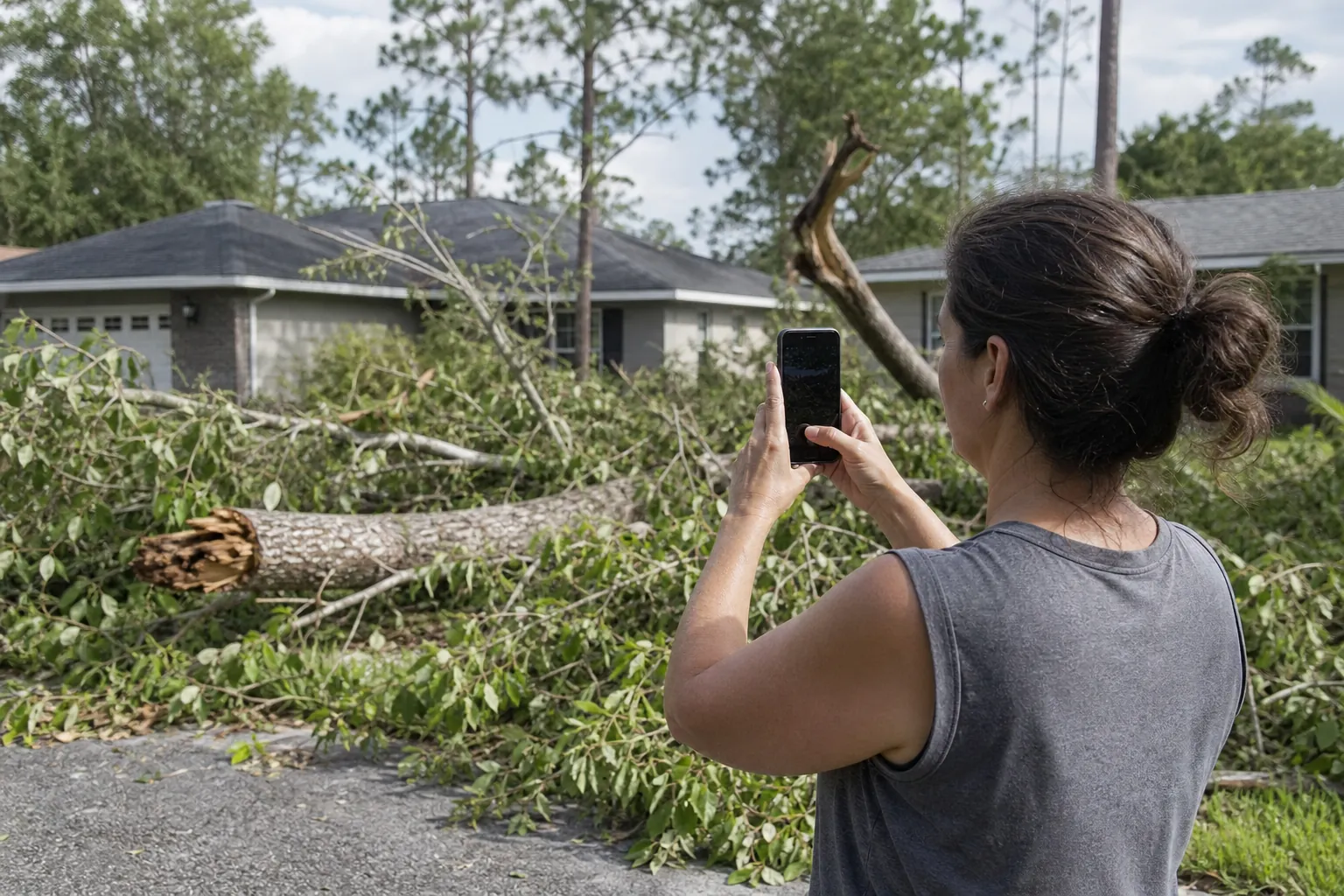
Reviewer and contributor: Clinton Funk, Owner, Florida Foliage. Clinton has decades of hands-on tree care experience.
Tim Francis is responsible for the research and editorial quality of this article. AI tools assisted with drafting and the editorial images. This general information does not assess a particular tree.
For hurricane tree damage records in Pensacola, FL, start with clear notes and a careful household plan.
To organize hurricane tree debris records in Pensacola, start with one folder. Add dated photos and one running note for household messages. Describe only what you can see, such as a branch on the driveway or leaves beside the porch. Keep original files. Put later updates apart from earlier observations. Photos do not show whether a tree is safe. This guide covers household records, not tree assessment. It shows how to keep useful notes without turning them into a diagnosis.
By Tim Francis, responsible for content and editorial presentation.
What Comes First For Hurricane Tree Damage Records?
A useful record includes original photos, each observation date, a plain location label, and related household messages. The tree removal service overview and tree trimming service overview explain those service types. A photo alone cannot show a tree’s condition.
Keep the record simple. You do not need a long report or special terms. A folder, short index, and message log can show what the household saw and when. Each entry can answer one simple question: What did someone see?
For example, “A branch is beside the front steps in Tuesday’s photo” describes the image. “The tree is stable” says more than the image shows. A pile of leaves does not prove where each leaf came from. Leave uncertain details open instead of guessing.
- Give each photo or group of photos a short label that matches a familiar part of the property.
- Record the observation date separately from the date a message was sent or a file was copied.
- Keep the original household wording when it helps explain why an update was added.
- Use “not known” when the time, source, or identity of visible material is unclear.
Make the record easy for another household member to read. They should not need to rebuild a long text thread or guess which image you mean.
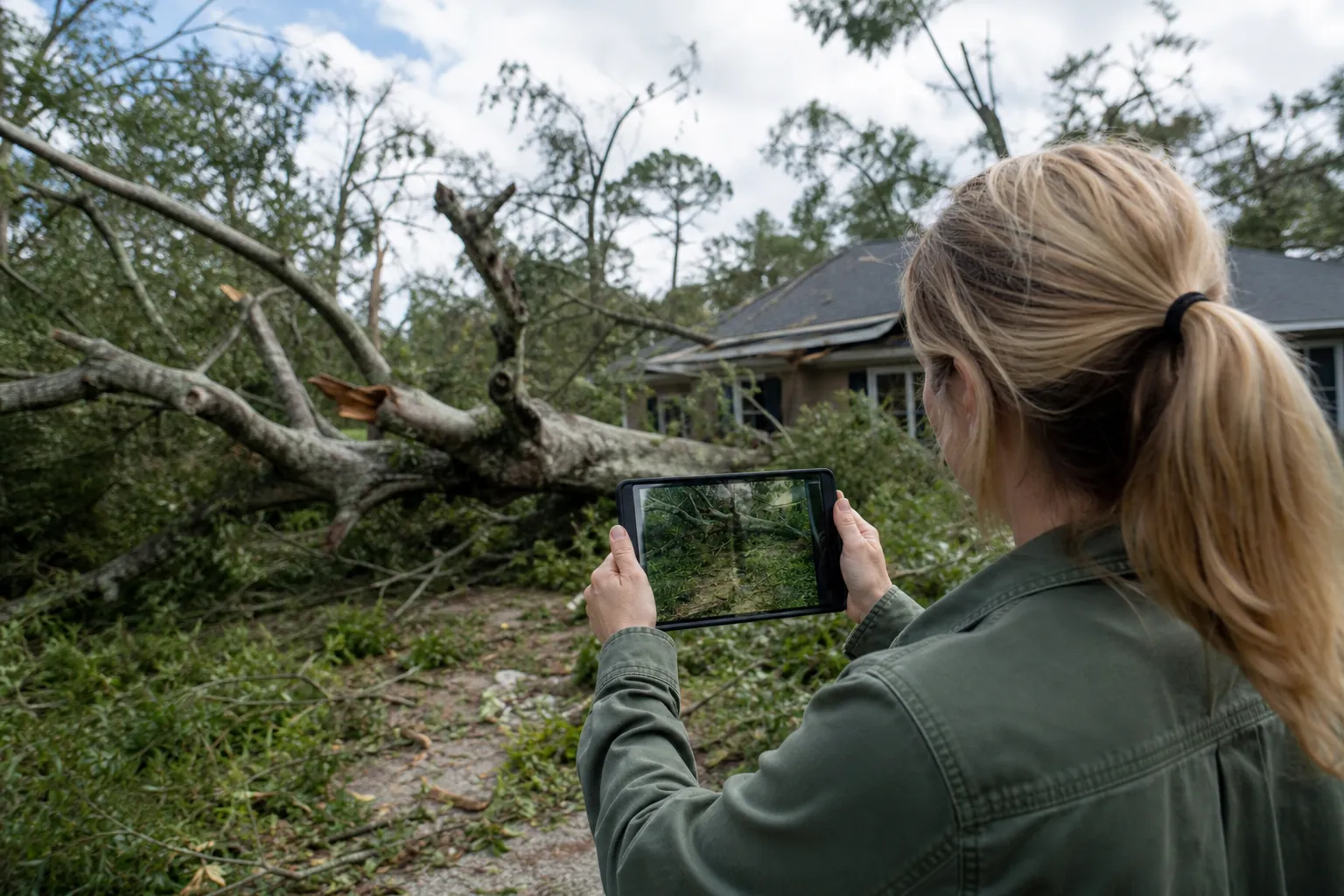
How Can You Record Debris Without Diagnosing a Tree?
Describe visible material and its location. Do not judge strength, stability, or needed work. The tree trimming overview explains that service. Use the contact page to ask general questions.
Storm-damaged tree work can involve falling limbs and unstable trees. Source: OSHA storm-damaged tree work guidance. You do not need to approach a tree, move debris, or start tree work to improve your notes.
Use words another person could check against the same image. “Several branches cross the walkway” is an observation. “The tree needs removal” is a work decision. Your record can help without making that decision.
If part of the view is blocked, say so. If you cannot tell whether a piece of wood is attached, note that uncertainty. Do not guess just to complete an entry. A missing detail is better than a statement the photo cannot support.
- Write “visible in the image” when your note comes from a photo rather than a direct observation.
- Describe colors, shapes, and locations without assigning a cause you cannot verify.
- Avoid labels such as “safe,” “stable,” or “harmless” in photo captions.
- Keep questions about tree condition in a separate list from the observation log.
This also helps with household messages. Someone can share what they saw without deciding what it means. Keep that difference when you summarize the message.
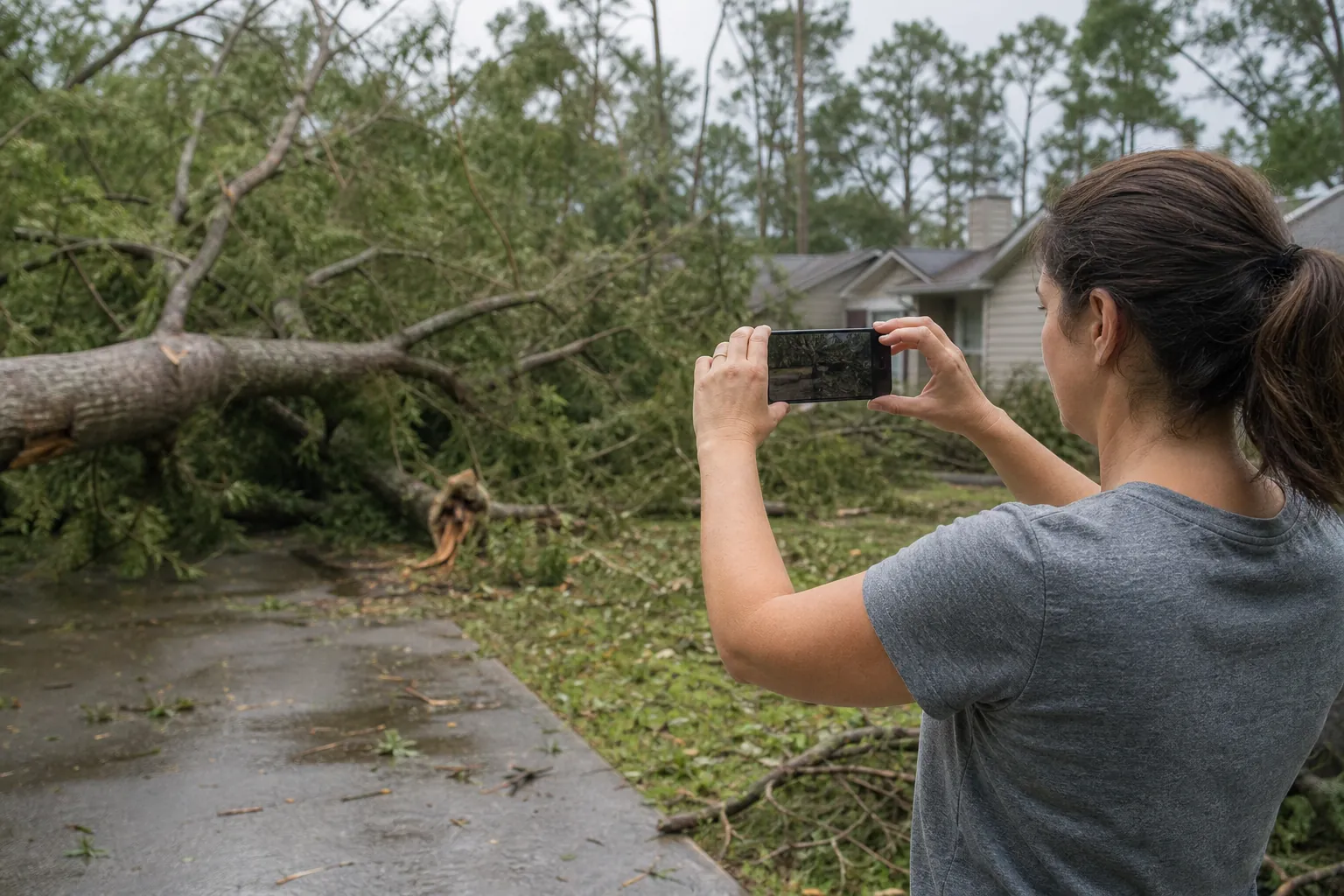
How Should You Label Dated Photos?
Use a steady filename with the observation date, a familiar location, and a short description. The tree removal overview explains that service. The Florida Foliage company background describes the business. Neither assesses a tree.
A filename such as “YYYY-MM-DD_front-driveway_branch_01” is easy to sort. Replace the sample date with the real one. If you do not know the date, write “date-unknown” instead of guessing from memory.
The date on a phone or computer may help, but say which date you mean. A photo received today may show something seen yesterday. Keep those dates separate when it matters to the household timeline.
Keep original images in a clearly named folder. Store cropped or marked copies elsewhere and label them as copies. A crop can make a detail easier to see, but it should not replace the original image.
- Choose one location name, such as “front driveway,” and use it consistently.
- Add a short sequence label when several images share the same date and location.
- Keep captions factual, such as “branches visible beside porch,” rather than interpretive.
- Label a screenshot as a screenshot instead of treating it as the original photo file.
You do not need to rename every file at once. Start with a few. Check that the labels make sense, then use the same pattern. A steady approach matters more than a complex system.
Build a Simple Folder and Index
Keep the folders simple enough for everyone at home to follow. The Florida Foliage contact options are there for general questions. The company information page identifies the business. Your household record can stay separate.
One main folder can hold original photos, labeled copies, household messages, and a plain text index. The index is a guide, not a technical report. It points to each file and says what it shows.
- Create a main folder with a clear name, such as “Hurricane Tree Debris Notes”.
- Add separate subfolders for original photos, working copies, and household messages.
- Create an index with columns for observation date, location, filename, and visible detail.
- Add a column for uncertainty so missing dates or unclear views remain obvious.
- Save a backup copy in a place your household already uses for important files.
- Read through the index and confirm that each listed file can be found.
Use familiar location labels instead of a complex map. “Side walkway” may be clear to everyone at home. If not, add a short note, such as “walkway beside the kitchen window.”
- Keep one main index instead of several competing versions.
- Put unrelated hurricane photos in a different folder so the debris record stays focused.
- Mark an entry as incomplete when you are still looking for its original file.
If several people add files, choose one person to combine them. That person organizes the material. They do not decide whether a tree is safe or what work it needs.
Keep Household Messages Clear and Traceable
A message log should say who shared an observation, when it was sent, and which photo or place they meant. The tree trimming service information explains that service. The general inquiry page is for questions about it.
Text threads can mix things people saw with plans, worries, and repeated images. A log can sort them without changing anyone’s meaning. Copy the message or mark it as a summary. Then link it to the right file in your index.
For example, a message might say, “I noticed that branch by the porch this morning.” Record when the message was sent and keep “this morning” as the sender wrote it. If the observation date is clear, note it. If not, leave it unknown.
A message saying “I think it came from the large tree” does not confirm its source. Keep the words “I think.” Do not rewrite them as fact. This keeps the record clear and respects what the person noticed.
- Separate direct quotations from your own summaries with clear labels.
- Include enough surrounding text to explain which location or photo the message refers to.
- Mark forwarded photos so readers know the sender may not have taken them.
- Keep unrelated personal conversations out of a shareable copy of the record.
Choose one place for updates, such as a shared note or one household thread. A simple routine can reduce repeat entries and make the record easier to read.
Keep Safety Context Separate From the Photo Task
Organizing existing files does not require moving debris or looking at trees. The tree removal information page explains that service. The Florida Foliage background page identifies the company. These pages give context, not instructions for handling storm debris.
Downed electrical conductors can energize trees and fences. Avoid direct and indirect contact. Source: OSHA tree trimming guidance.
Tensioned tree material and trees that may roll or slide during felling are hazards. Keep nonessential people out of work and drop areas. Source: OSHA tree work hazard guidance.
Keep nonessential people away from debris machinery. Debris can hide meters and fire hydrants. Source: OSHA debris collection guidance.
Stay clear of leaking hazardous chemical containers. Hazardous-material response personnel need to assess them. Source: OSHA debris collection guidance.
- Use “not visible in available photos” when the record lacks a view.
- Keep safety source links in a separate note from descriptions of your own images.
- Do not turn an incomplete photo record into a household task to expose hidden details.
A useful folder does not need to show every object. It should say what the available files show, what they do not show, and what remains unknown.
Prepare a Short Summary and a Neutral Contact Step
Before sharing the record, write a short summary of what it contains and its limits. The Florida Foliage contact page offers a way to ask a general question. The company background and ownership information describes the business.
Your summary can list the dates included, named places, and types or number of files. It can say the files show visible debris only and do not assess tree condition. Put open questions in a separate paragraph.
For example: “This folder has dated photos of visible branches near the driveway and porch, plus household messages. Some times are unknown. The captions describe only what appears in each image.” This introduces the files without making statements they cannot support.
- Check that your summary matches the files actually included.
- Remove repeated copies from the shareable folder while retaining your originals.
- List unanswered questions without presenting them as findings.
- Ask how to provide information before sending a large collection of files.
Florida Foliage is based in Daytona Beach. Clinton Funk is the owner and has decades of hands-on tree care experience. Tim Francis is responsible for this article’s content and editorial presentation.
For a general question, use the contact page or call (386) 481-7913. Ask about current service options for your Pensacola property.
Frequently Asked Questions About Debris Records
These answers cover how to organize visible observations. They do not assess trees. The tree trimming overview explains that service. Use the contact page for questions about current service options.
Can photos show that a tree is safe?
Do not use photos as proof that a tree is safe. Photos show visible details from one view at one time. Keep captions to those details, such as branches beside a walkway. Ask separately about tree condition. A photo cannot answer that question.
What if I do not know when a photo was taken?
Label the observation date as unknown. You can also record when you received or saved the file, if you name that date clearly. Keep any message about timing with the image. Do not guess an exact observation date just to sort the folder.
Should I keep several photos of the same debris?
You can keep several images if they show different views or dates. Note those differences in your index. If two files are exact copies, mark that and keep the shared folder simple. Store originals apart so the record keeps its source files.
How should I record conflicting household messages?
Keep both messages and name their senders and dates. Mark the disputed detail as unresolved instead of choosing a version without support. A short note such as “Household messages differ about the observation date” is enough. Your role is to keep the record clear, not settle every difference.
Does this guide mean Florida Foliage serves Pensacola?
No. Florida Foliage is based in Daytona Beach. Call (386) 481-7913 to ask about current service options for your Pensacola property.
Call (386) 481-7913 to talk through next steps.